
The JVC LT-42X899 and LT-47X899 1080p HDTV User Guide provides setup, operation, safety, and troubleshooting instructions.
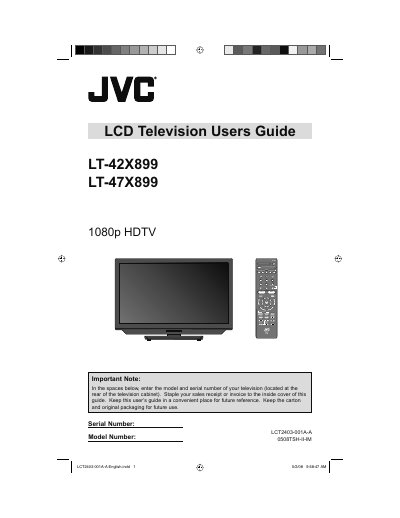
This user guide explains how to install, set up, and safely operate the JVC LT-42X899 and LT-47X899 1080p HDTVs. It includes safety warnings, mounting instructions, remote‑control functions, and basic TV controls.
The manual also covers picture and sound adjustments, menu navigation, language settings, troubleshooting steps, technical specifications, and warranty information.
Use the optional JVC wall‑mounting unit (LT‑42X899: JVC‑XUF‑2637 LCD FLAT WALL MOUNT; LT‑47X899: JVCPCM‑MS2 TILT/FLAT WALL MOUNT) and have a qualified installer perform the installation.
Select the Language option in the setup menu (page 25) and choose the desired language.
Use the Reset function found in the menu (page 32) to restore factory settings.