
The JVC Color Television User's Guide provides safety instructions, setup steps, remote control operation, menu functions, and troubleshooting for models…
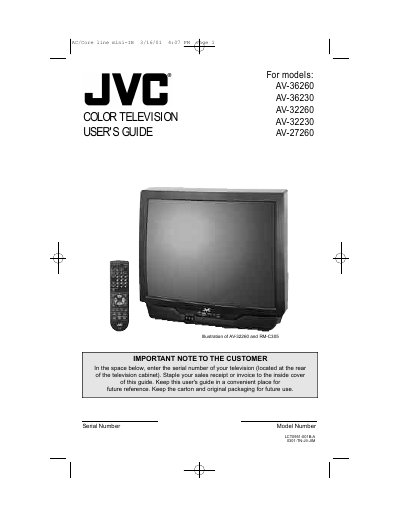
This guide covers everything needed to install and operate JVC color televisions, including safety precautions, unpacking, basic connections, remote control usage, and menu programming. It also contains a quick‑setup section for fast initial use and detailed chapters on picture and sound adjustments.
Additional sections explain how to ground an external antenna, perform the Auto Tuner setup, program remote codes for cable, VCR, and DVD devices, and obtain service support. The manual ends with warranty information, authorized service center contacts, and a list of specifications.
Slide the cover on the back of the remote down, then insert two AA batteries with the correct polarity, placing the “–” end first.
Press the Auto Tuner button on the remote, select Cable or Air, and follow the on‑screen prompts until the message “PROGRAMMING OVER!” appears.
Yes. If an outside antenna is connected, the antenna system must be grounded according to the National Electrical Code.