
The JVC Digital Photo Navigator installation guide provides system requirements, step‑by‑step software installation, and the software license agreement.
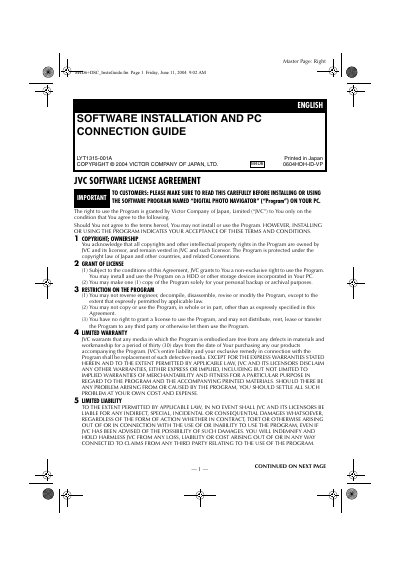
This document contains the software license agreement for the JVC Digital Photo Navigator program and detailed instructions for installing the software on a Windows PC. It outlines the rights granted to the user, warranty terms, liability limits, and export restrictions.
The guide also lists the minimum system requirements, describes how to install drivers such as the USB Mass Storage Class driver, and explains how to connect the camcorder via USB or IEEE1394, copy files from the memory card, and use the ImageMixer 2.0 application.
| Minimum CPU | Intel MMX Pentium, at least 200 MHz |
|---|---|
| Minimum RAM | 64 MB |
| Free Hard Disk Space | 10 MB for installation (500 MB recommended) |
| Connector | USB (or IEEE1394 for ImageMixer) |
| Display Requirement | 800 × 600 pixels, 16‑bit color |
Load the CD‑ROM, select the USB Mass Storage Class driver from the Setup screen, and follow the on‑screen prompts; on Windows 98/98SE you must install this driver before connecting the camcorder.
No. The license agreement explicitly prohibits reverse engineering, decompiling, disassembling, revising, or modifying the program.