
The JVC LX-NZ3 DLP projector user manual provides safety instructions, setup, operation, menu functions, maintenance, specifications, and warranty details.
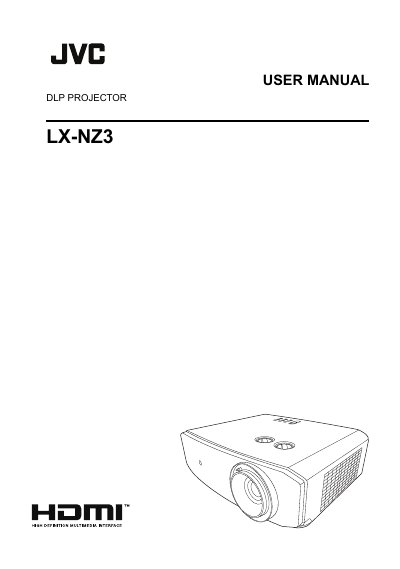
This manual covers safety precautions, unpacking, installation, and operation of the JVC LX‑NZ3 DLP projector. It explains how to position the unit, connect inputs, adjust image settings, and use the on‑screen menus.
Additional sections describe maintenance procedures, detailed technical specifications, troubleshooting tips, and warranty information to help users keep the projector performing reliably.
| Optical Resolution | 1920 x 1080 |
|---|---|
| Light source | Laser |
| Electrical Power supply | AC100–240V, 3.7 A, 50‑60 Hz |
| Power consumption | 360 W (Max) |
| Output terminals | 12 VDC |
| Input terminals | Computer input (RGB, D‑Sub 15‑pin) |
| Operating temperature | 0 °C–40 °C |
| Weight | 6.3 kg |
It must be placed on a level, horizontal surface and kept clear of obstructions.
The unit operates on AC 100–240 V, 3.7 A, 50‑60 Hz and consumes up to 360 W.
It is classified as a CLASS 3R laser product.