
The JVC RX-668V Audio/Video Control Receiver User Manual provides setup, connection, operation, and troubleshooting instructions.
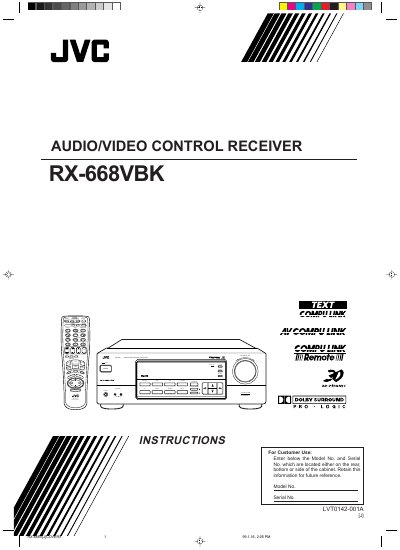
This manual guides you through installing the JVC RX-668V receiver, connecting speakers, subwoofer, and audio/video components, and configuring basic and advanced settings such as DSP modes and sleep timer. Safety warnings, antenna placement, and remote‑control battery installation are also covered.
Technical specifications, parts identification, and service information are listed toward the end of the document, along with a troubleshooting section to help resolve common issues.
| Amplifier Output Power (Stereo) | 100 W per channel, min. RMS |
|---|---|
| Total Harmonic Distortion (8 Ω, 1 kHz) | 0.8 % at 100 W output |
| PHONO Input Sensitivity / Impedance | 2.7 mV / 47 kΩ |
| PHONO Signal‑to‑Noise Ratio | 70 dB / 77 dB (IHF/78 IHF) |
| Frequency Response (PHONO) | 20 Hz – 20 kHz (±1 dB) |
| Dimensions (W × H × D) | 435 × 146 × 403.5 mm |
| Power Consumption (operation) | 290 W / 390 VA |
| FM Tuner Usable Sensitivity | Monaural 17.0 dBf (1.95 µV/75 Ω) |
Press the POWER button on the front panel or the AUDIO POWER button on the remote; the STANDBY lamp turns off when the unit is on and lights when it is in standby.
Connect the subwoofer’s input jack to the SUBWOOFER OUT jack on the receiver’s rear panel using an RCA‑plug cable.
Use speakers that match the impedance indicated on the speaker terminals; the manual warns not to connect speakers with a different impedance.