
The JVC KD-R223 CD Receiver User Manual provides installation, operation, and troubleshooting instructions for the in‑car CD player.
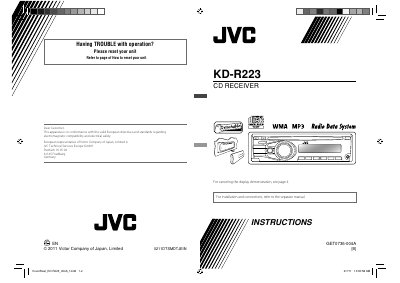
This manual covers the basic setup of the KD‑R223, including how to attach or detach the control panel, reset the unit, and cancel the display demonstration. It also explains clock setting, basic operation of the control dial, and how to select preset sound modes.
Further sections describe FM/AM radio functions, AUX input usage, MP3/WMA playback specifications, maintenance cleaning, and a detailed troubleshooting guide with symptom‑based remedies. The final part lists the technical specifications of the CD player.
| Type | Compact disc player |
|---|---|
| Signal Detection System | Non-contact optical pickup (semiconductor laser) |
| Number of Channels | 2 channels (stereo) |
| Frequency Response | 5 Hz to 20 kHz |
| Signal‑to‑Noise Ratio | 98 dB |
| MP3 Max Bit Rate | 320 kbps |
| WMA Max Bit Rate | 192 kbps |
| Operating Voltage | DC 14.4 V (11 V to 16 V allowance) |
| Dimensions (Installation Size) | 182 mm × 52 mm × 158 mm |
| Mass | 1.2 kg |
Adjust the volume to the optimum level, ensure the unit is not muted or paused, and check that all speaker connections are secure.
Press the reset procedure described in the manual; resetting will erase all preset adjustments.
Make sure nothing is blocking the loading slot and use the eject button; if the disc remains, check for obstructions.
Use discs formatted to ISO 9660 Level 1/2, Romeo, or Joliet, and ensure file names and bit rates meet the supported specifications.