
The JVC PD-42WX84 Plasma Display User's Guide provides safety precautions, installation steps, setup instructions, and operation details for the TV.
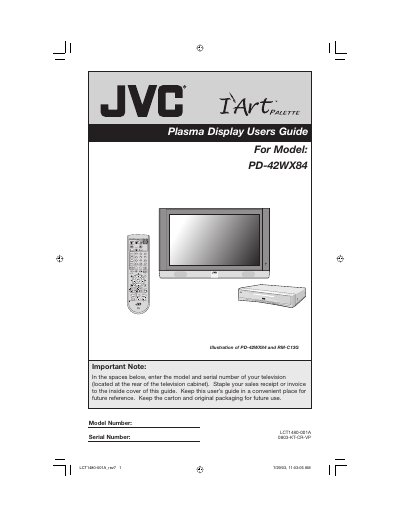
This guide covers everything you need to set up and operate the JVC PD-42WX84 plasma display, including safety warnings, unpacking, mounting, and connecting accessories. It also explains how to use the remote control, configure picture and sound settings, and troubleshoot common issues.
Additional sections describe how to prevent burn‑in, adjust image shift and video status, and properly ground an external antenna. Technical specifications and warranty information are provided at the end of the manual.
| Model | PD-42WX84 |
|---|---|
| Type | Plasma Display |
| Screen Size | 42 inch / 107.5 cm |
| Power Consumption (TV) | 365 W |
| Audio Output | 18 W + 18 W |
| Dimensions (with stand) | 45 11/16 × 31 7/16 × 12 3/16 in |
| Weight (with stand) | 106 lb / 48 kg |
| Reception Format | NTSC, BTSC |
| Power Source | AC 120 V, 60 Hz |
Avoid displaying static images for long periods, use the Image Shift function, set Video Status to a lower setting, and reduce picture brightness.
Do not place the TV near water, keep ventilation clear, maintain recommended distances from walls, and ground any external antenna according to the NEC.
The television consumes 365 W of power, while the built‑in receiver uses 29 W.
Connect the antenna system to a proper grounding electrode as described in Section 810 of the National Electrical Code.