
The JVC JLE42BC3500 LED TV User Manual provides safety instructions, setup, connection, and operation guidance for the 42‑inch television.
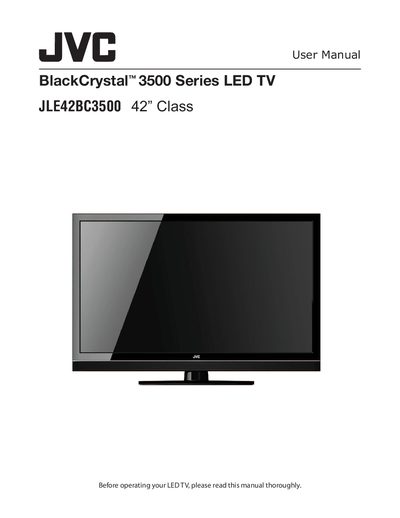
This manual begins with important safety instructions, covering electrical shock hazards, moisture protection, and proper handling of the LED panel. It also explains ENERGY STAR compliance and FCC regulations for the TV.
The guide then details installation steps such as attaching or removing the stand, wall‑mount mounting, and connecting antennas, HDMI, component, composite, and audio devices. Subsequent sections describe menu navigation, picture and audio settings, multimedia playback, and troubleshooting tips.
| Screen size | 42" Class |
|---|---|
| ENERGY STAR qualification | Qualified in factory default setting |
| Model number | JLE42BC3500 |
Select the "Set Aspect Ratio" option in the Picture Menu to adjust the display aspect.