
The JVC GZ‑HD7U camcorder user manual provides setup, operation, safety, and backup instructions for this HD hard‑disk camera.
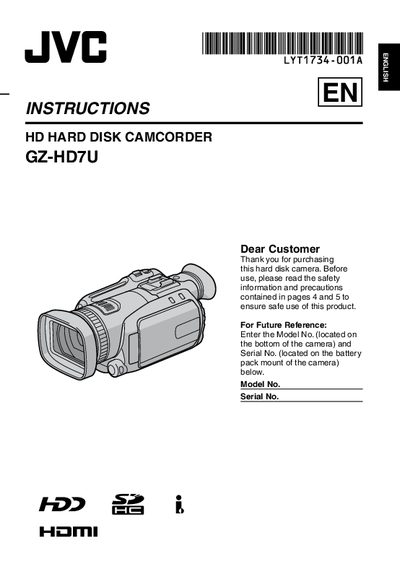
This manual guides you through the initial setup of the JVC GZ‑HD7U camcorder, including attaching accessories, configuring language, date/time, and battery handling. It also covers recording modes, playback, and editing functions, as well as connecting the camera to a TV via HDMI, component, or AV cables.
Safety precautions, battery maintenance, and troubleshooting steps are detailed to ensure reliable operation. The document also includes a software license agreement for the Digital Photo Navigator program and specifications for accessories such as the AC adapter and remote control.
| Battery life (remote control) | Approx. 1 year |
|---|---|
| Dimensions (W × H × D) | 42 mm × 14.5 mm × 91 mm |
| Weight | Approx. 30 g (0.07 lb) |
| Operating temperature | 0 °C to 40 °C (32 °F to 104 °F) |
| Remote control operating distance | Within 5 m (16.4 ft) |
| AC adapter voltage range | 110 V to 240 V |
Connect a DVD burner (CU‑VD40 or CU‑VD20) to the camcorder and copy the recorded video to a DVD disc.
Use JVC BN‑VF815U, VF823U, V840U, or V856U lithium‑ion battery packs as specified in the manual.