
Detailed user manual for the JVC GS‑TD1 camcorder covering setup, recording, playback, and troubleshooting.
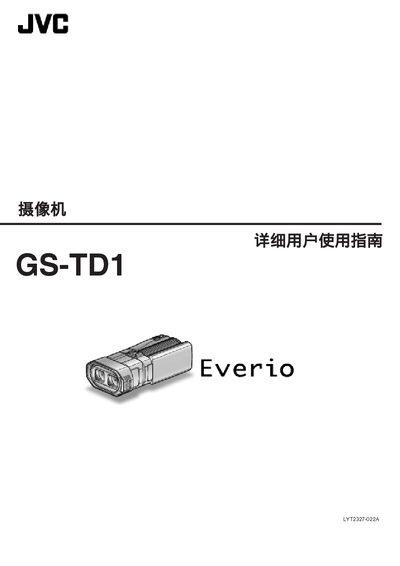
The JVC GS‑TD1 camcorder manual provides step‑by‑step instructions for getting started, charging, recording, playback, and advanced shooting techniques. It also includes guidance for using accessories such as SD cards, external microphones, and HDMI output.
Additional sections cover specific shooting scenarios (holidays, weddings, travel, amusement parks), back‑light compensation, firmware updates, and a full specifications table. Troubleshooting tips and a parts list are provided at the end of the document. This manual is written in Chinese.
| Dimensions (W×H×D) | 102 × 64 × 186 mm |
|---|---|
| Weight (camera only) | ≈590 g |
| Power consumption (3D mode) | 4.8 W |
| Battery voltage | 7.2 V |
| Battery capacity | 1460 mAh |
| Maximum optical zoom | 5× (3D) / 10× (2D) |
Connect the JVC AC adapter (100 V–240 V) to the camcorder and plug it into a power outlet; charging instructions are in the “充电” section.
The manual lists compatible SD‑card types in the “可以使用的 SD卡类型” section; any standard SD/SDHC/SDXC card within the supported specifications can be used.
The camcorder offers up to 5× optical zoom in 3D mode and up to 10× optical zoom in 2D mode.