
The document describes the features and characteristics of LYT2201-002A and LYT2201-001A-M products.
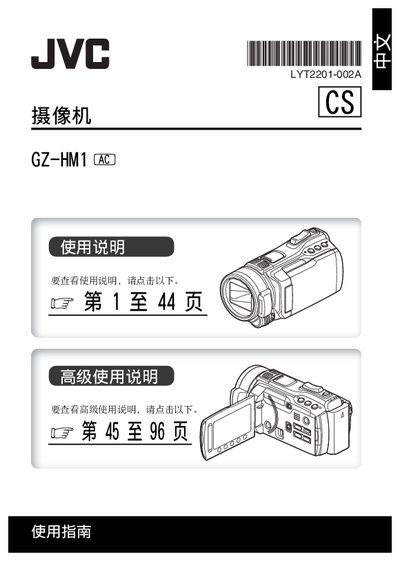
The manual begins with safety precautions, including fire and electric‑shock warnings, proper battery handling, and ventilation requirements. It also explains how to install the CR2025 battery and connect the 110‑240 V power adapter.
Subsequent sections cover basic operation such as setting date and time, using the LCD monitor, recording video, playing back files, and navigating the on‑screen menu. The guide also includes information on software licensing and warranty notices. This manual is written in Chinese.
| Battery type | CR2025 |
|---|---|
| Power adapter input voltage | 110 V – 240 V |
| Display | LCD monitor |
Immediately turn off the power or unplug the adapter and contact a JVC dealer; do not continue using the device.
Touch the sensor, select the Clock Settings menu, choose your city, and adjust the date and time as needed.
Use a CR2025 battery from Panasonic, San‑Yong, Sony, or similar; do not recharge, heat, or disassemble the battery.
Leave at least 10 cm of free space around the camcorder on all sides to ensure proper airflow.