
This is a user manual for a camcorder. It mainly introduces the basic functions, usage methods, recording, playback, editing, copying, etc. of the camcorder.
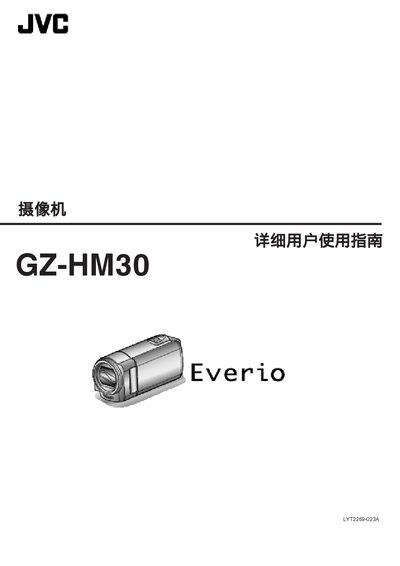
This manual covers everything you need to operate the JVC GZ‑HM30 camcorder, from unboxing and charging to recording modes, playback functions, and file management. It also includes detailed shooting tips for holidays, weddings, travel, and amusement parks.
Later sections describe the main features, technical specifications, and regular maintenance procedures to keep the camcorder performing reliably over time. This manual is written in Chinese.
| Power consumption (standard brightness) | 2.2 W |
|---|---|
| Power consumption (bright display) | 2.4 W |
| Rated current consumption | 1 A |
| Dimensions (W × H × D) | 50.5 mm × 55 mm × 110.5 mm |
| Weight (camera only) | ≈185 g |
| Operating temperature range | 0 °C to 40 °C |
| Storage temperature range | -20 °C to 50 °C |
| Image sensor | 1/5.8" 1.5 MP CMOS |
| Maximum optical zoom | 40× |
| Maximum digital zoom | 200× |
| LCD monitor | 2.7" wide, 230 K pixels |
| Battery voltage | 3.5 V – 3.6 V |
| Battery capacity | 700 mAh |
Select the language option in the menu to change the display language.
Use the file‑protection feature in the menu to lock selected files.
The camcorder provides up to 40× optical zoom.