
This is the instruction manual for the camera, including basic operations, advanced operations, and safety precautions.
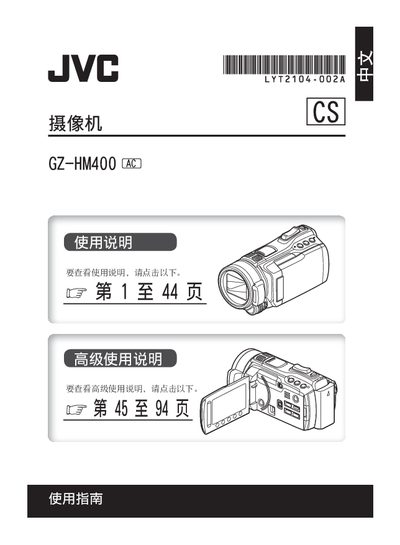
This manual covers safe handling of the JVC GZ‑HM400 camcorder, including battery replacement warnings, power‑connection procedures, and environmental precautions. It also explains how to set date/time, use the touch sensor, and operate basic functions such as video recording, playback, and data backup.
Additional sections provide detailed specifications, interface connections, video and audio recording formats, and a troubleshooting guide for common issues like file corruption or power failures. The document ends with legal notices and software license information. This manual is written in Chinese.
| Power Supply (adapter) | AC 110‑240 V, 50/60 Hz, output DC 11 V, 1 A |
|---|---|
| Battery Voltage | DC 7.2 V |
| Dimensions (W×H×D) | 67 mm × 72 mm × 135 mm |
| Weight (with battery) | ≈ 485 g |
| Image Sensor | 1/2.33" CMOS, 10290000 pixels |
| Lens F‑Number | F 2.8‑4.5 |
| Video Recording Format | MPEG‑4 AVC/H.264 |
| Audio Recording Format | Dolby Digital (2‑ch) |
| LCD Monitor Size | 2.8" diagonal |
Only CR2025 batteries from Panasonic, Sanyo, Sony or Wan Sheng should be used; other batteries are not approved.
Turn off the LCD monitor, disconnect the power (battery or AC adapter), then reconnect the power and turn the camcorder back on.
The camcorder supports UXP (VBR, avg 24 Mbps), XP (VBR, avg 17 Mbps), SP (VBR, avg 12 Mbps) and EP (VBR, avg 5 Mbps).
Copy the files to a DVD or other recording media; the manual recommends using a BD/DVD burner for backup.