
This is a user manual for a high-definition digital hard disk camera. It introduces the product's usage methods, precautions, etc.
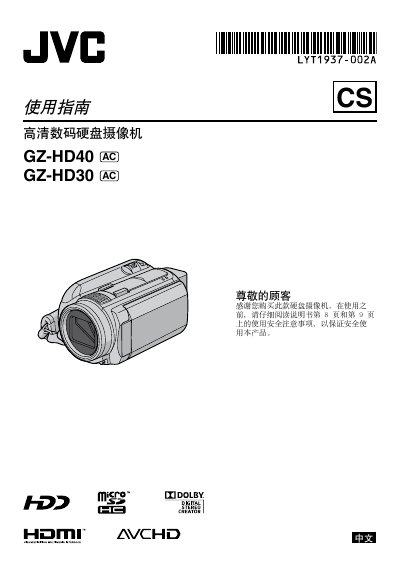
This guide provides safety precautions, battery charging instructions, and basic setup for the JVC GZ‑HD30 high‑definition camcorder. It explains how to power the device, set date/time, and select recording modes.
The manual also covers video recording options (AVCHD and MPEG‑2 TS), playback functions, file management, and detailed specifications such as power requirements, dimensions, and supported interfaces. This manual is written in Chinese.
| Power (adapter) | DC 11 V |
|---|---|
| Power (battery) | DC 7.2 V |
| Power consumption | ≈ 6.6 W |
| Dimensions (W×H×D) | 73 mm × 68 mm × 123 mm (GZ‑HD40) / 71 mm × 68 mm × 123 mm (GZ‑HD30) |
| Weight (including battery) | ≈ 455 g (GZ‑HD40) / ≈ 440 g (GZ‑HD30) |
| Video recording format | AVCHD (MPEG‑4 AVC/H.264) or MPEG‑2 TS |
| HDMI interface | HDMI™ (supports x.v.Colour 1.3) |
| USB interface | Mini‑USB (compatible with USB 2.0) |
Connect the camcorder to the AC power adapter; the charging indicator will flash while charging and turn off when complete.
The camcorder records video in AVCHD (MPEG‑4 AVC/H.264) or MPEG‑2 TS formats, selectable in the recording mode menu.
Yes, the camcorder supports recording to a microSD card as an alternative to the internal hard‑disk.
The adapter accepts 110 V to 240 V AC, 50/60 Hz and outputs DC 11 V at 1 A.