
This document provides a detailed user guide for the GC-PX10E/EK/AA/AC/AH/AS camera, including preparation, recording/playback, editing, and computer usage.
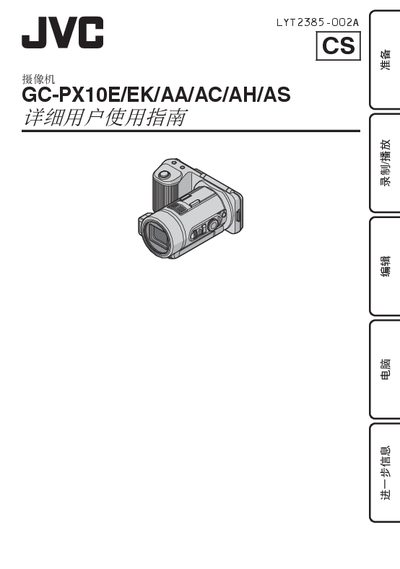
This guide covers everything needed to operate the JVC GC-PX10 camcorder, including preparation, battery charging, touch‑screen use, recording and playback modes, editing functions, and connecting the device to a computer. Detailed sections describe each button on the LCD monitor, menu navigation, and how to adjust settings such as clock, white balance, and focus.
The manual also lists technical specifications such as power requirements, dimensions, sensor resolution, and supported recording media, and includes a troubleshooting chapter to help resolve common issues. This manual is written in Chinese.
| Power supply (AC adapter) | 11 V |
|---|---|
| Battery voltage | 7.2 V DC |
| Power consumption (monitor brightness 3) | 4.8 W |
| Dimensions (W × H × D) | 131 × 67 × 122 mm |
| Camera weight (without strap) | ≈ 435 g |
| Image sensor | 1/2.3" 12.75 MP |
| Maximum video resolution | 1080 p 50 fps (7,950,000 pixels) |
| LCD monitor | 3" wide, 230,000 pixels |
| Minimum illumination (still image) | 4 lux (1/30 s) |
| Supported recording media | Built‑in 32 GB memory, SD/SDHC/SDXC cards, Eye‑Fi cards |
The camcorder can record to its built‑in 32 GB memory, SD/SDHC/SDXC cards, or Eye‑Fi cards.