
The JVC AV-20FD22 TV/DVD combo user guide provides safety instructions, setup steps, remote control operation, and technical specifications.
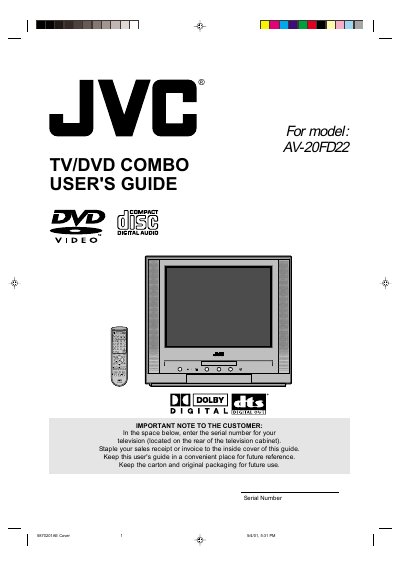
This guide explains the safety precautions and proper handling of the JVC AV-20FD22 TV/DVD combo, including warnings about electric shock, laser exposure, and moisture. It also details how to install the antenna, connect power, and perform basic maintenance.
The manual covers the unit’s features such as the 20‑inch flat picture tube, 181‑channel tuner, Dolby Digital/DTS audio, and remote‑control functions. It provides step‑by‑step instructions for battery installation, remote operation, channel selection, playback modes, and parental‑control settings, as well as a troubleshooting section.
| Horizontal picture resolution | More than 500 lines |
|---|---|
| Channel tuner | 181 channels (VHF/UHF and up to 113 cable channels) |
| Power source | 120 V 60 Hz AC polarized line cord |
Open the battery compartment, insert two AA batteries with the correct polarity (– end first), and close the cover.
Press the TV/DVD button on the remote; the screen will toggle between TV mode and DVD mode.