
The JDSU Network and Enterprise Test Solutions leaflet lists a range of Ethernet and cabling test instruments with order numbers and key features.
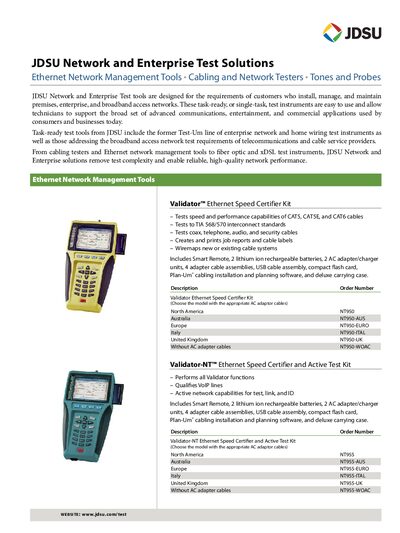
This leaflet describes JDSU's Network and Enterprise Test Solutions, a family of test instruments designed for installing, managing, and maintaining premises, enterprise, and broadband access networks. It includes product descriptions, order numbers, and brief specifications for each tool.
The catalog covers Ethernet Network Management Tools (Validator kits), Cabling and Network Testers (TestifierPRO, LanScaperPRO, LanScaper, LanRoamerPRO), Premises Wiring Testers (Tri‑Porter), wireless analyzers (Wi‑Net Window), tone and probe devices, and specialty accessories such as the Satellite Finder and Master Wire‑mapping Kit.
| Compliance standards | TIA‑568/570 |
|---|
It provides a triple‑play test for voice, data, and video wiring and includes six testing tools such as telephone test, network tester, tone generator, cable tester/verifier, tone detector, and coax mapper.
The North America order number for the LanScaperPRO Cabling and Network Tester is NT800.