
The H16 remote controller user manual provides safety warnings, specifications, setup steps, and troubleshooting for drone and robot operations.
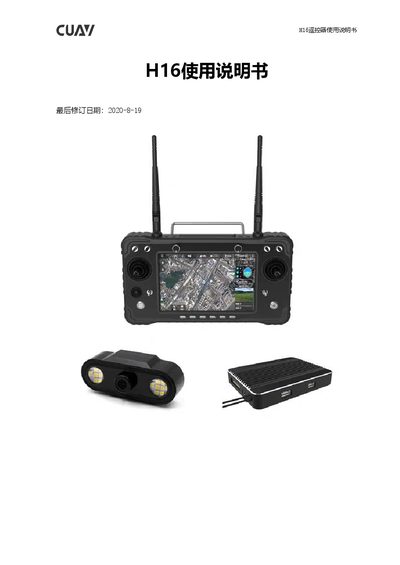
This manual introduces the H16 remote controller, its accessories, key features, and intended applications such as UAVs, robots, and industrial equipment. It includes detailed specifications, interface descriptions, and environmental requirements.
The guide covers preparation, configuration, language settings, video and data sharing, Wi‑Fi and network connections, as well as a FAQ section that addresses common issues like app installation, fast‑charge mode, and Wi‑Fi connectivity. This manual is written in Chinese.
| Processor | 澎湃S1 |
|---|---|
| Transmission distance | 10 km (H16); 30 km (H16Pro) |
| Working frequency | 2.400–2.483 GHz |
| Battery capacity | 20000 mAh |
| Screen size | 7 inches |
| Screen resolution | 1920 × 1200 |
| Weight | 1034 g |
| Operating temperature | -10 °C ~ +55 °C |
Yes, the remote controller has fully open permissions and no restrictions on installing or uninstalling apps.
Use the dedicated charger; a text prompt appears on the lock screen indicating fast‑charge mode.
It only connects to 5 GHz Wi‑Fi; set the phone hotspot to the 5 GHz band.