
Instruction manual for the FrSky ARCHER GR8 receiver covering LED status, registration and binding, specifications, OTA updates, range check, and failsafe.
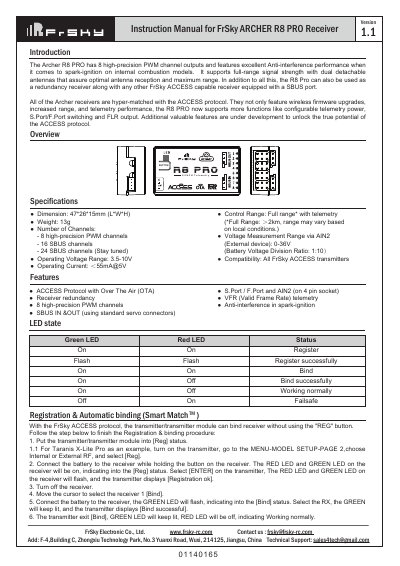
This instruction manual covers the FrSky ARCHER GR8 receiver, including LED status indications, registration and automatic binding with the ACCESS protocol, and technical specifications. It also provides operating guidance for OTA firmware updates, range checks, failsafe setup, and switching between FS (20 ms) and HS (7 ms) PWM modes.
| Dimension | 47 x 26 x 15 mm (L x W x H) |
|---|---|
| Weight | 13 g |
| Number of Channels | 8 high-precision PWM channels; 16 SBUS channels; 24 SBUS channels (stay tuned) |
| Operating Voltage Range | 3.5-10 V |
| Operating Current | 55 mA at 5 V |
| Control Range | Full range, up to 2 km; range may vary based on local conditions |
| Voltage Measurement Range via AIN2 | 0-36 V (external device); battery voltage division ratio 1:10 |
| Compatibility | All FrSky ACCESS transmitters |
| SBUS Output | 7 ms in HS mode; FS mode is 20 ms |
Put the transmitter into [Reg] status, connect the battery to the receiver while holding the receiver button, then select [ENTER] on the transmitter. After the transmitter displays [Registration ok], turn off the receiver, select the receiver [Bind], and connect the battery again; the transmitter displays [Bind successful].
In the receiver [Options], select the 7 ms PWM option or not. The factory default setting is FS mode, and HS mode is only applied for digital servos.
Place the model at least 60 cm above non-metal contaminated ground with the receiver antenna vertical, then use the transmitter's [Rng] option. Under Range Check Mode, RF power is decreased and range distance is 1/30 to 1/10 of Normal Mode.
Failsafe can be set through the radio interface in no pulse, hold, or custom modes for each channel, or on the receiver by short pressing the F/S button while moving a channel to a preset value after binding.