
Focusrite Scarlett 2i2 USB audio interface user guide covering safety instructions, system requirements, software installation, connections, and hardware…
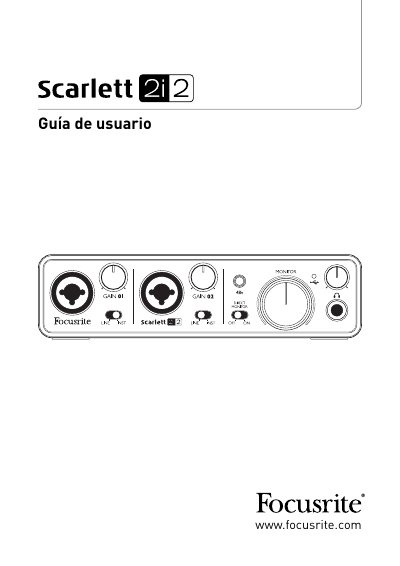
The Focusrite Scarlett 2i2 User Guide explains how to set up and use the Scarlett 2i2 audio interface with a Mac or Windows computer. It begins with safety and regulatory information, then covers system requirements, software installation, connecting the unit, DAW audio setup, and example use with a microphone and instrument.
The guide also describes the front and rear panel hardware features and includes a technical specifications section and troubleshooting. The box contents list a resource DVD, USB cable, eight-page quick start guide, Ableton Live Lite registration card, and multilingual user guide. This manual is written in Spanish.
| USB port compatibility | USB 1.0, USB 1.1, or USB 2.0 |
|---|---|
| Supported input sources | Microphones, musical instruments, and line-level audio signals |
It should only be connected to USB 1.0, 1.1, or 2.0 ports.
Yes. The guide says to run the installer before connecting the Scarlett 2i2 to the computer.
Mac OS X 10.6.5 or later (Snow Leopard) is supported.
The minimum RAM requirement is 1 GB.