
The Extech SDL730 user manual provides setup, operation, data logging, and maintenance instructions for the heavy‑duty differential pressure gauge.
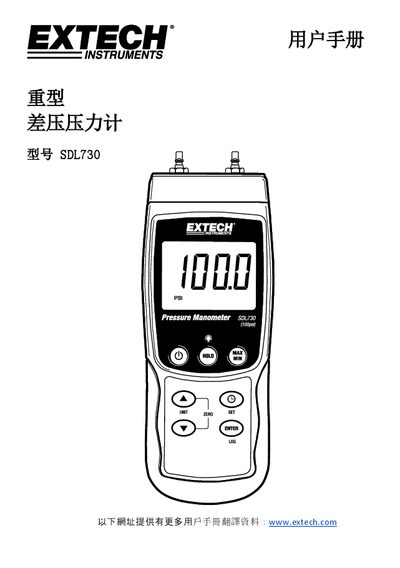
This manual explains how to use the Extech SDL730 heavy‑duty differential pressure gauge. It covers power on/off, backlight control, measurement unit selection, zero adjustment, data hold, and the various setup parameters such as date, sample rate, power‑off timer, beep, and decimal format.
The guide also details data recording options (manual and automatic), SD‑card handling, battery replacement, accessory connections, and specifications. Safety warnings, troubleshooting steps, and instructions for transferring data to a PC are included. This manual is written in Chinese.
| Display type | LCD |
|---|---|
| Display size | 51 x 37 mm |
| Measurement range (max) | ±7000 mbar |
| Weight | 265 g (0.59 lb) |
| Dimensions | 190 × 68 × 45 mm |
| Operating temperature | 0 °C to 50 °C |
| SD‑card capacity | 1 GB to 16 GB |
| Automatic sample rate | 1 s to 8 h 59 m 59 s |
Hold the UNIT button until the desired unit appears, then release the button.