
The Extech RF12 refractometer user manual provides operation steps, specifications, zero adjustment, sample preparation, and temperature compensation.
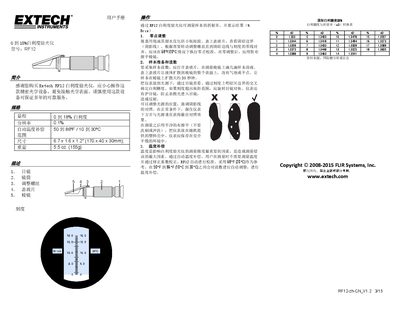
This manual introduces the Extech RF12 refractometer, a precision optical instrument for measuring sample refractive index and displaying results as % Brix. It includes safety notes, device description, and handling instructions.
The guide covers zero adjustment, sample preparation, reading procedures, and automatic temperature compensation. It also provides specifications such as measurement range, resolution, temperature range, dimensions, and weight, plus a conversion table for Brix values. This manual is written in Chinese.
| Measurement range | 0 to 18% Brix |
|---|---|
| Automatic temperature compensation | Yes |
| Temperature range | 50 to 86 °F / 10 to 30 °C |
| Dimensions | 6.7 x 1.6 x 1.2 in (170 x 40 x 30 mm) |
| Weight | 5.5 oz (155 g) |
Place a few drops of distilled water on the prism, cover with the cover glass, then turn the adjustment screw until the shadow line aligns with the zero mark on the scale.
Yes, the instrument automatically adjusts readings between 50 °F and 86 °F (10 °C to 30 °C) using a reference of 68 °F (20 °C).