
The manual explains operation, calibration, programming and measurement modes for the Extech EC600 digital conductivity and pH meter.
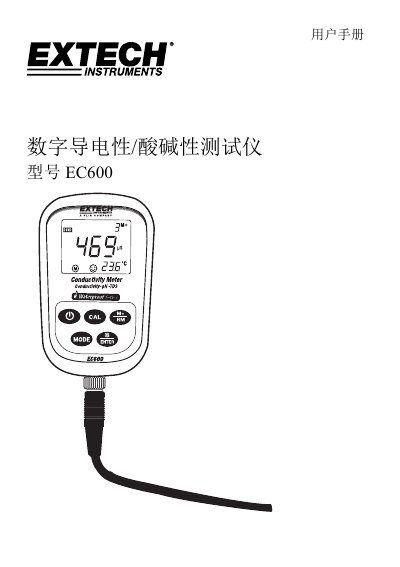
This user manual provides step‑by‑step instructions for using the EC600 handheld meter, including how to power the device, connect the electrodes, and select measurement modes for pH, mV, conductivity, TDS, salinity and resistance. It also describes the instrument’s back‑light, storage functions and safety features such as IP57 protection.
Detailed sections cover pH calibration procedures (three‑point, two‑point and single‑point), programming of parameters (temperature compensation, back‑light time, auto‑off), and maintenance tips for the electrodes and probe. Technical specifications, data storage capacity, battery information and certification details are listed at the end of the document. This manual is written in Chinese.
| pH measurement range | -2.00 to 19.99 pH |
|---|---|
| pH resolution | 0.1 / 0.01 pH |
| pH accuracy (instrument) | ±0.01 pH |
| pH accuracy (probe) | ±0.02 pH |
| Input current | ≤2×10⁻¹² A |
| Input impedance | ≥1×10¹² Ω |
| Temperature compensation range | 0 to 100 °C (32 to 212 °F) |
| Conductivity measurement range | 0.00 to 19.99 µS/cm (up to 19.99 mS/cm) |
| Conductivity resolution | 0.01 / 0.1 / 1 µS/cm |
| Data storage capacity | 300 data groups |
Press the CAL key to enter calibration mode, then sequentially immerse the probe in pH 7.00, pH 4.00 and pH 10.01 buffer solutions, confirming each step when the display stops flashing.
The instrument can store up to 300 data points, including 100 pH readings, 100 mV readings and 100 conductivity readings.
Enter the P5 menu, press CAL or M+/RM to select the desired back‑light duration (0, 1, 3 or 6 minutes).