
The Extech HD300 handheld CFM/CMM thermal anemometer measures air velocity, flow, temperature and surface temperature with an infrared sensor and laser pointer.
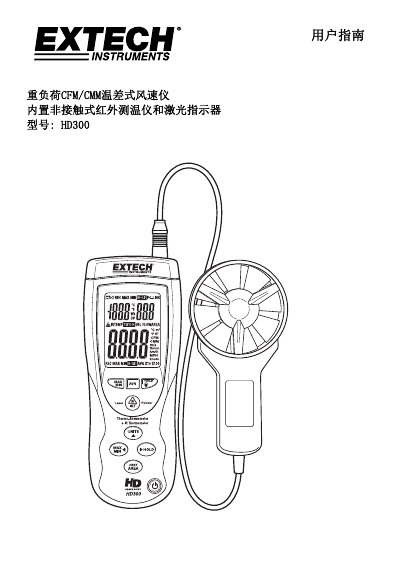
The Extech HD300 is a handheld CFM/CMM thermal anemometer that measures air speed, airflow, ambient temperature and remote surface temperature using a built‑in non‑contact infrared sensor and laser indicator. It offers eight memory locations for duct area values, stores up to twenty average readings, and provides data hold, max/min/average functions, and an automatic shutdown feature.
The guide explains operation modes (velocity, flow, area), sensor setup, battery replacement, USB PC communication, infrared measurement theory, emissivity tables, conversion formulas, and detailed specifications such as measurement ranges, accuracy, and environmental limits. This manual is written in Chinese.
| Display | Dual‑function LCD, 9999 pixels |
|---|---|
| Air velocity range | 0.40 – 30.00 m/s |
| Air velocity accuracy | ± (3 % + 0.20 m/s) |
| Temperature range (probe) | 14 – 140 °F (‑10 – 60 °C) |
| Battery | 9 V rechargeable |
| Automatic shutdown | 15 min idle (disableable) |
| PC interface | USB communication via random cable |
Open the rear battery compartment, insert a new 9 V battery, and close the cover.
Turn the instrument off, hold the IRT button while powering on, release the button when the prompt appears; the device will stay on until manually turned off.
Press and hold the IRT button, aim the laser at the target surface, and read the IR TEMP value on the display; release the button to freeze the reading.