
The EDIFIER G20 headphones user manual provides connection, adjustment, software installation, and usage instructions.
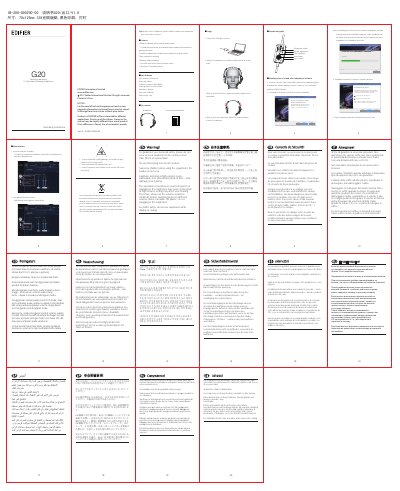
This manual explains how to connect the USB cable, adjust the headphones, install the software, and configure the microphone and volume settings for the EDIFIER G20 headphones.
Safety warnings advise keeping the earphones at least 10 cm away from pacemakers, not inserting the plug into power sockets, supervising children, and using moderate volume levels to avoid hearing damage while driving or cycling. This manual is written in Chinese.
| Driver unit size | 40mm |
|---|---|
| Frequency response | 20Hz-20KHz |
| Sound pressure level | 98dB |
| Cable length | 2.5m |
| Microphone type | Rotating, unidirectional mic |
| Headband | Padded headband and ear pads ensures long-time wearing comfort |
Close any anti-virus software before installing to avoid false warnings that can stop the installation.
Do not wear or keep earphones within 10 cm of a pacemaker.
No, do not use earphones while driving or cycling for traffic safety.