
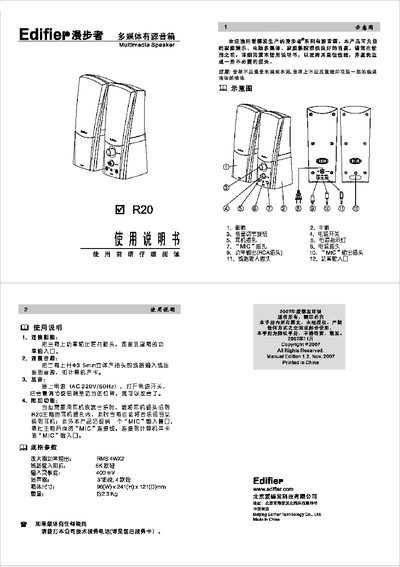
This manual explains how to set up the R20 speaker system, including connecting the sub‑woofer, linking the audio source, powering the unit, and adjusting the volume. It also describes additional functions such as headphone use and the built‑in MIC input.
The specifications section lists the amplifier output, input impedance, sensitivity, speaker size, dimensions, and weight, helping users understand the performance and physical characteristics of the speaker. This manual is written in Chinese.
| Amplifier power output | RMS 4W×2 |
|---|---|
| Line input impedance | 5 kΩ |
| Input sensitivity | 400 mV |
| Speaker driver | 3" paper cone, 4 Ω |
| Dimensions | 96 mm (W) × 241 mm (H) × 121 mm (D) |
| Weight | ≈2.3 kg |
Connect the power‑output plug on the main box to the power‑input port of the sub‑woofer.
Insert the headphone plug into the headphone jack on the main unit; the speaker automatically switches the audio signal to the headphones.
Connect a 3.5 mm stereo plug from a computer sound card or other audio source to the line‑input jack on the main unit.
Yes, the main unit has a “MIC” input jack that can be connected to a computer sound‑card MIC input.