
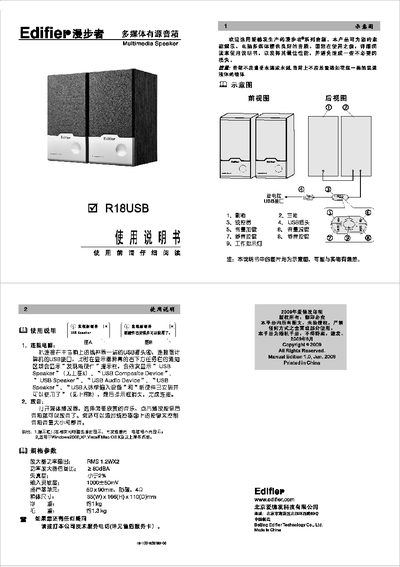
This manual explains how to connect the Edifier R18USB speaker to a computer via its USB line‑control, describing the Windows detection process and the on‑speaker buttons for volume and mute control. It also outlines basic playback usage with any media player.
The document lists the speaker’s key specifications, safety precautions, and physical dimensions, and includes diagrams of the front and rear views. Contact information for technical support is provided at the end of the guide. This manual is written in Chinese.
| Amplifier power output (RMS) | 1.2W × 2 |
|---|---|
| Signal‑to‑noise ratio | > 80 dBA |
| Total harmonic distortion | < 29 % |
| Input sensitivity | 1000 ± 50 mV |
| Speaker unit size | 50 mm × 90 mm (magnet‑free) |
| Dimensions (W×H×D) | 85 mm × 166 mm × 110 mm |
| Net weight | ≈ 1 kg |
| Gross weight | ≈ 1.3 kg |
Connect the USB plug on the speaker’s line‑control to a USB port on the computer; Windows will detect and install the device, showing notifications such as “USB Speaker” and “USB Audio Device”.
The speaker works with Windows 2000, XP, Vista and macOS X and later versions.