
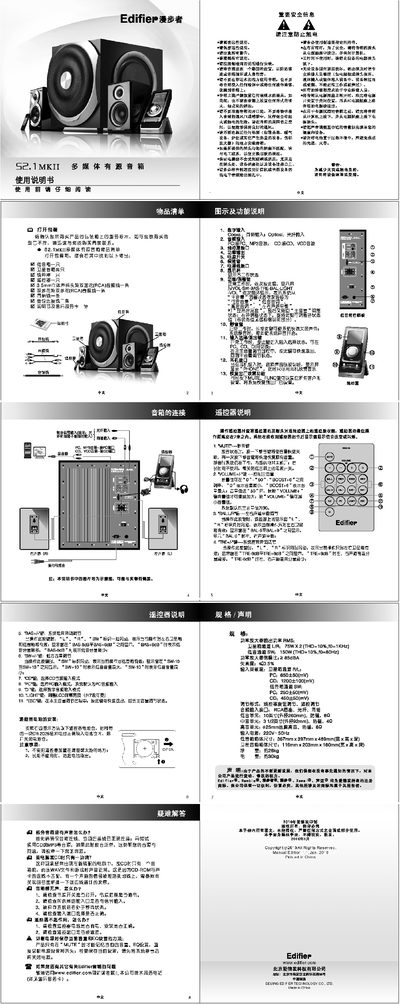
This document is a Chinese-language user manual for the Edifier S2.1MKII 2.1 multimedia active speaker system. It covers safety information, package contents, illustrations and functions, speaker connections, remote control operation, specifications, and troubleshooting.
The system includes one subwoofer and two satellite speakers. It provides RCA, optical, and coaxial audio inputs, remote control operation, and adjustments for volume, balance, treble, bass, and subwoofer level. This manual is written in Chinese.
| Satellite channel output power | 75 W x2 (THD=10%, f0=1 kHz) |
|---|---|
| Subwoofer channel output power | 150 W (THD=10%, f0=80 Hz) |
| Power amplifier SNR | >85 dBA |
| Distortion | ≤0.5% |
| Input sensitivity | Satellite H/L: PC 650±50 mV, CD 1200±100 mV; subwoofer SW: PC 250±50 mV, CD 450±50 mV |
| Audio input interfaces | RCA sockets, optical, coaxial |
| Woofer unit | 10 inch (outer diameter 260 mm), magnetically shielded, 8 Ω |
| Midrange unit | 3 1/2 inch (outer diameter 92 mm), magnetically shielded, 4 Ω |
| Input power | 220 V~ 50 Hz |
| Subwoofer cabinet dimensions | 367 x 397 x 489 mm (W x H x D) |
| Satellite cabinet dimensions | 116 x 203 x 160 mm (W x H x D) |
| Net weight | about 28 kg |
First make sure the speaker and audio connections are correctly connected, then try a CD or MP3 source; if sound is normal, the source has a problem.
Check that the power switch is on and the outlet has power, that the selected input has a signal, that the system is not muted, and that the input port selection is correct.
Check that the remote battery has power and is installed correctly, and that the remote window is not blocked.
Settings are only remembered when the system is muted; mute the system before turning off power to preserve them.