
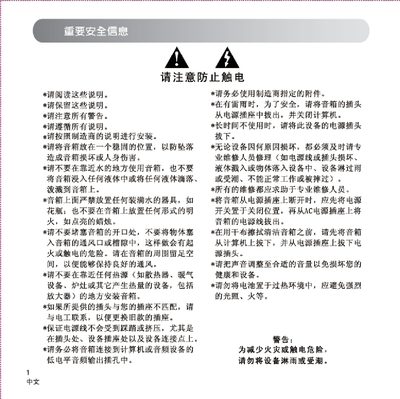
This manual begins with important safety information, including warnings about electrical shock, water exposure, and proper placement of the speaker. It then guides you through unpacking the M500, showing the included accessories such as power adapter, audio cables, and remote control.
Subsequent sections describe the control panel layout, how to select audio sources (iPod, AUX, FM), connect the speaker to a computer or other audio device, and operate the remote control for power, volume, preset stations, and source switching. The final part offers troubleshooting tips for common issues like no sound or single‑speaker output. This manual is written in Chinese.
| Audio sources | iPod, AUX, FM |
|---|---|
| Power supply | DC adapter |
Connect the DC power adapter to the speaker, then plug a 3.5 mm or RCA audio cable from the computer’s audio output into the speaker’s input jack.
Press the volume button briefly to increase the volume; hold it down to continuously raise or lower the level.