
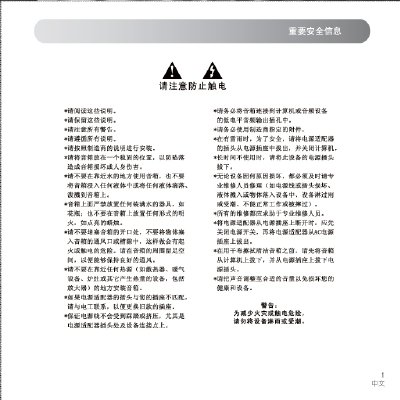
This manual begins with safety warnings and unpacking instructions, describing how to connect the speaker to a computer or audio source using the supplied power adapter, RCA, USB, and 3.5 mm cables. It also explains proper placement, ventilation, and handling to avoid electric shock or damage.
The guide then details the control panel buttons for power, volume, input selection, and playback functions, followed by a specifications table and a troubleshooting section that helps resolve common issues such as one‑speaker sound or no sound at all. This manual is written in Chinese.
| Power Output (RMS) | 30 W × 2 |
|---|---|
| Total Harmonic Distortion | < 0.5 % |
| Input Voltage | 220 V ~ 50 Hz |
| Speaker Unit Diameter | 92 mm |
| Main Box Dimensions (W×H×D) | 194 mm × 195 mm × 118 mm |
| Sub Box Dimensions (W×H×D) | 194 mm × 195 mm × 118 mm |
| Sub Box Weight | 4.9 kg |
Check that the power adapter is plugged in, the correct input source is selected, the speaker is not in standby, all audio cables are securely connected, and the audio source is playing.