
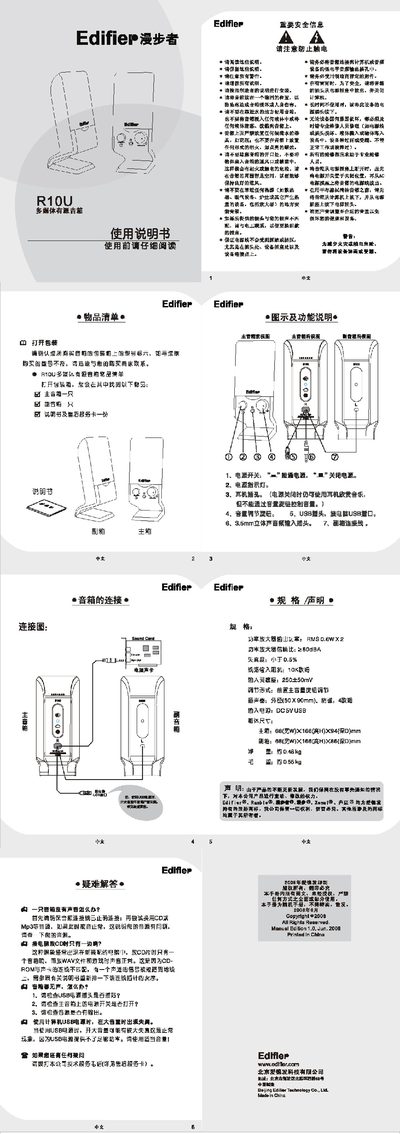
The Edifier R10U is a multimedia active speaker system. The manual lists the included items as a main speaker, a secondary speaker, and a manual with an after-sales service card, and explains how to verify the model on the packaging.
It describes connecting the speakers to a computer sound card and USB power, troubleshooting sound problems, important safety instructions, speaker controls and indicators, and technical specifications including output power, dimensions, and weight. This manual is written in Chinese.
| Power amplifier output power | RMS 0.6W X 2 |
|---|---|
| Power amplifier signal-to-noise ratio | >80dBA |
| Distortion | Less than 0.5% |
| Input impedance | 10K ohms |
| Input sensitivity | 250±50mV |
| Adjustment method | Front main volume knob adjustment |
| Speaker | External dimensions (50X90mm), magnetic shielding, 4 ohms |
| Input power | DC 5V |
| Main speaker dimensions | 68(W) X 166(H) X 94(D) mm |
| Secondary speaker dimensions | 68(W) X 166(H) X 86(D) mm |
| Net weight | About 0.48 kg |
| Gross weight | About 0.55 kg |
First confirm the audio connection is correct, then try a CD or MP3 audio source; if sound is normal, the audio source is faulty.
This often happens in newly assembled computers because the CD-ROM and sound card connection is mismatched, shorting one channel to ground; rearrange the connection plug pin order as instructed.
Check that the USB power plug is inserted, the main speaker power switch is on, and the audio source has output.
Yes. USB power cannot provide sufficient power, so high volume may cause greater distortion; use an appropriate volume.