
User manual for the DS DS212 Mini Oscilloscope, covering safety information, operation, interfaces, functions, inspection, battery disposal, and firmware…
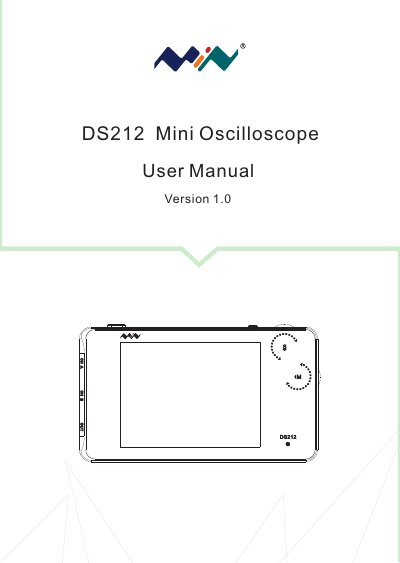
The DS DS212 Mini Oscilloscope is a handheld digital oscilloscope described in this user manual (Version 1.0), which is based on APP V1.03. The manual provides safety information, an overview of the instrument, interface and button descriptions, getting started steps, functional details, product inspection guidance, battery disposal instructions, and technical support.
It explains how to power the device on and off, use the thumbwheels and buttons, read the home screen, navigate menus, and perform measurements. It also covers battery charging, auto power-off, calibration, factory restore, firmware upgrades, and regulatory markings such as FCC, CE, and WEEE.
| Analog bandwidth | 1MHz |
|---|---|
| Maximum sampling rate | 10MSas/ |
| Maximum sample memory depth | 8K |
| Analog input impedance | 1MΩ |
| Vertical sensitivity | 20mv/Div~10V/Div |
| Horizontal sensitivity | 1uS/Div~2S/Div |
| Battery | Internal Lithium 500mAh battery |
| Display | Color TFT LCD display 320X240 pixels |
| Dimension | 100mm×56.5mm×10mm |
It enters APP1 by default.
Charging is available in both power-on and off mode, and the LED stays lit until charging finishes.
Download the firmware from www.minidso.com, enter DFU mode by holding Pause while turning on, connect via USB, copy the hex file to the DFU disk, and restart after the extension changes to rdy.