
Installing and operating instructions for the Dixell XR72CX digital controller for medium or low temperature ventilated refrigerating units.
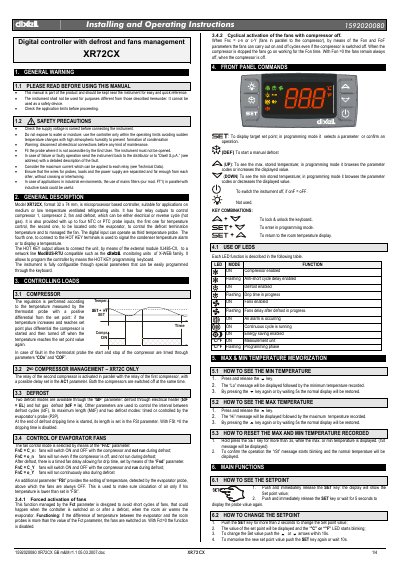
The XR72CX is a microprocessor-based digital controller in 32 x 74 mm format for medium or low temperature ventilated refrigerating units. It has four relay outputs for compressor 1, compressor 2, fan and defrost, plus up to four NTC or PTC probe inputs.
It supports electrical or hot gas defrost, evaporator fan control modes, maximum and minimum temperature memorization, setpoint viewing and adjustment, and keyboard lock and unlock. The digital input can operate as a third temperature probe, and the HOT KEY output supports ModBUS-RTU networking through the XJ485-CX module.
| Format | 32 x 74 mm |
|---|---|
| Relay outputs | 4 (compressor 1, compressor 2, fan, defrost) |
| Probe inputs | Up to 4 NTC or PTC |
| Digital input | Can operate as third temperature probe |
| Network interface | ModBUS-RTU via XJ485-CX module |
Medium or low temperature ventilated refrigerating units.
Four relay outputs, for compressor 1, compressor 2, fan and defrost.
Push and immediately release the SET key; the display shows the set point value.
Push the SET key for more than 2 seconds, then use the arrows within 10 seconds.