
Dixell XC1000D controller user manual for XC1008D, XC1011D, and XC1015D models, covering installation, interface, service menu, parameters, and troubleshooting.
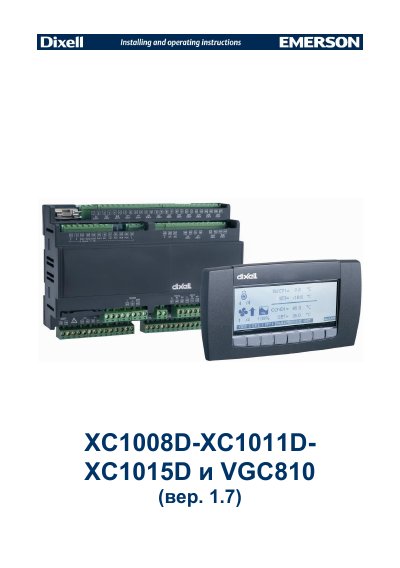
This Dixell user manual covers the XC1000D series controllers (XC1008D, XC1011D, XC1015D) and the VGC810 keyboard, version 1.7. It provides instructions for use, configuration, connection, and maintenance, including safety warnings and electrical connections.
The document describes the user interface, service menu, parameter settings, compressor and fan regulation, analog outputs for inverters, alarm lists, mounting dimensions, RS485 serial bus, and technical specifications. This manual is written in Russian.
| Digital input voltage | 230V/120V or 24V |
|---|---|
| Analog output signal | 0-10V or 4-20mA |
The controller version must be V1.7.
Digital inputs can work at 230V/120V or 24V.
The display shows 'release : Версия ПО XC1000 D / версия ОС Visograph / версия Программы Visograph'.