
Key facts
- Brand
- dixell
- Model
- XA100C
- Category
- Industrial Robot
- Industry
- Industrial
- Documents
- 2
- Languages
- EN
- Last added
- 2026-10-31
Start here
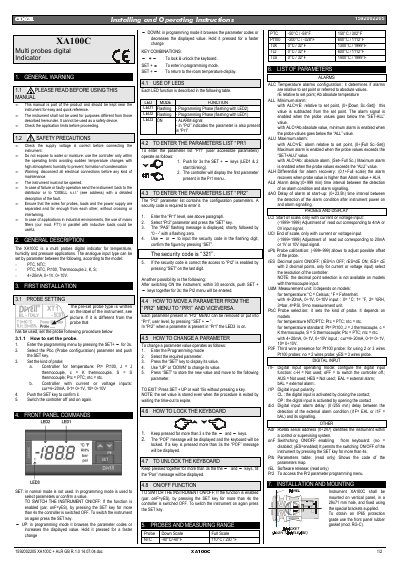
Dixell XA100C Multi Probes Digital Indicator User Manual
This document is the user manual for the Dixell XA100C, a multi-probes digital indicator designed for temperature, humidity, and pressure applications. It provides instructions on safety precautions, general description, and initial installation procedures including probe configuration.
Read onlineDixell XA100C specifications
| Probe types supported | PTC, NTC, Pt100, Thermocouple J, K, S |
|---|---|
| Analog input types | 4÷20mA, 0÷1V, 0÷10V |
| Mounting hole size | 29x71 mm |
| IP65 protection grade accessory | mod. RG-C |
Source: Dixell XA100C Multi Probes Digital Indicator User Manual
All Dixell XA100C documents by type
Day-to-day operation, settings and troubleshooting. Start here if the product is already set up.
Questions answered in these manuals
What is the security code to enter the Pr2 parameter menu?
The security code required to enter the Pr2 parameter list is 321.
From: Dixell XA100C Multi Probes Digital Indicator User Manual
How do you switch the instrument off using the keyboard?
If the function is enabled, press the SET key for more than 4 seconds to switch the controller OFF.
From: Dixell XA100C Multi Probes Digital Indicator User Manual
What is the security code to access the Pr2 parameter list?
The security code required to enter the Pr2 parameter list is 321.
From: Dixell XA100C Multi Probes Digital Indicator User Manual
How do you switch the instrument off using the keyboard?
If the function is enabled, press the SET key for more than 4 seconds to switch the controller off.
From: Dixell XA100C Multi Probes Digital Indicator User Manual