
This guide provides detailed information on functions, start‑up procedures, parameter settings and application scenarios for the Danfoss VACON 100 FLOW drive.
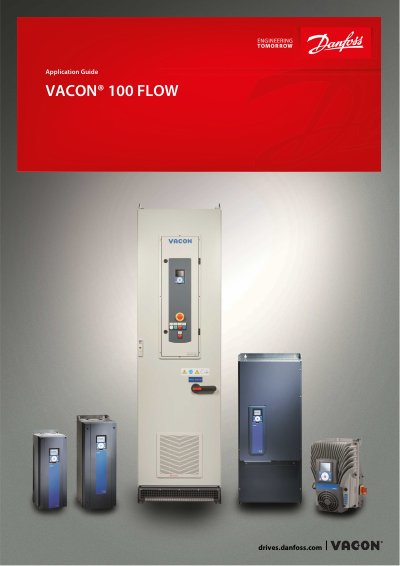
The VACON 100 FLOW Application Guide explains how to configure and operate the Danfoss VACON 100 FLOW AC drive. It covers the drive’s functions, user interfaces, control panel layout, and the parameter table needed for setup and tuning.
Key sections include a start‑up quick guide, the start‑up wizard, editing of text and numeric parameters, fault resetting, monitoring tools, and a range of application wizards for standard, HVAC, PID control, and multi‑pump configurations.
Use the menu option “Changing the Rotation Direction” to select the desired direction.
Press the [BACK/RESET] button to reset a fault, as described in the “Resetting a Fault” section.