
The Brother QL-1110NWB label printer user manual provides setup, operation, network, troubleshooting, and maintenance instructions.
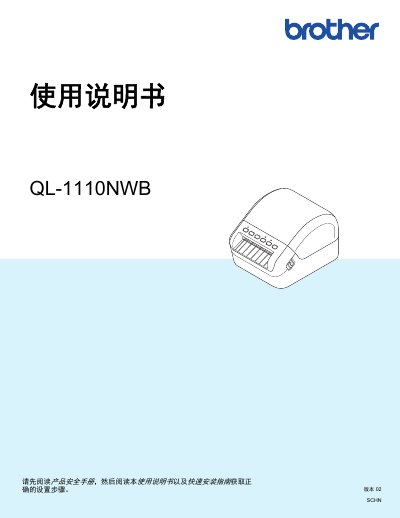
This manual covers everything needed to install and use the Brother QL-1110NWB label printer, including safety information, hardware setup, and software installation. It explains how to connect the printer via USB, Wi‑Fi, Ethernet, or Bluetooth, and provides detailed steps for printing from computers, mobile devices, and using the P‑touch Template feature.
Safety guidelines and consumable recommendations are included, emphasizing the use of genuine Brother DK label tapes and ribbons, proper handling of the print head, and environmental storage conditions. The appendix offers troubleshooting tips, maintenance procedures, and product specifications. This manual is written in Chinese.
| Power Supply | AC |
|---|
Connect the AC power cord to the printer and plug it into a grounded power outlet.
Only genuine Brother DK label tapes and ribbons should be used.