
This manual explains how to set up and operate Brother MF4570dn series multifunction printers, covering power, initial settings, network configuration and…
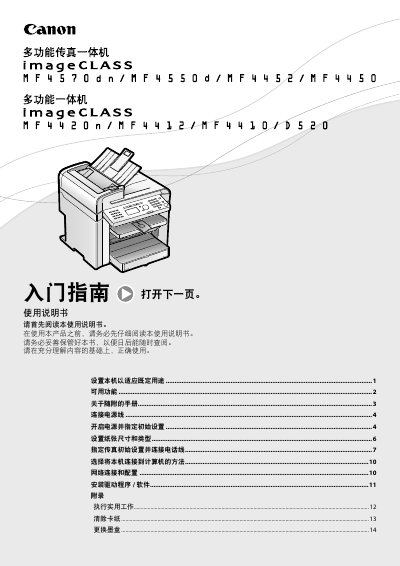
The manual provides step‑by‑step instructions for installing the printer, connecting power, configuring initial parameters, and installing drivers. It also details how to set paper size, configure fax, and choose the connection method to a computer (USB or network).
Additional sections cover network setup for supported models, safety warnings, maintenance procedures such as clearing paper jams and replacing toner cartridges, and troubleshooting tips. The document includes specifications, environmental requirements, and regulatory information. This manual is written in Chinese.
| Maximum Power Consumption | 1,220 W |
|---|---|
| Input Voltage | 220‑240 V, 50/60 Hz |
| Operating Temperature Range | 10 °C – 30 °C |
| Relative Humidity Range | 20 % – 80 % (no condensation) |
Connect the power cable to a dedicated AC outlet; do not use an uninterruptible power supply or share the outlet with other equipment.
Network functions are available only for MF4570dn, MF4550d, MF4452, MF4450 and MF4420n models.
When a jam occurs, follow the on‑screen messages to remove the paper, ensuring no remaining sheets are left inside the machine.