
The manual provides safety guidelines, setup steps, operation instructions, network configuration, and troubleshooting for Brother QL-810W and QL-820NWB…
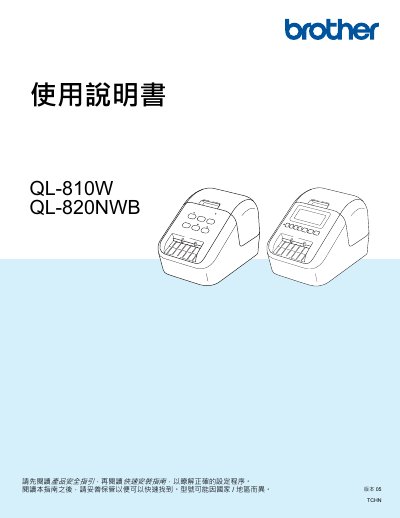
This guide covers everything needed to safely install and operate the Brother QL‑810W and QL‑820NWB label printers. It includes product safety instructions, quick‑start setup, loading DK label rolls, connecting to PCs, mobile devices, and configuring wired, Wi‑Fi or Bluetooth networks.
Later sections describe advanced settings, P‑touch Template printing, battery‑assist options, maintenance procedures, and detailed troubleshooting for common printing or network issues. This manual is written in Chinese.
| Battery dimensions | 125 × 197 × 69 mm |
|---|---|
| Battery weight | 0.59 kg |
| Battery voltage | 14.4 V |
| Battery capacity | 1750 mAh |
| Battery charge time | ≈2.5 hours |
Unplug the AC power adapter to stop charging the battery device.
On the QL‑820NWB you can view the battery device status from the LCD screen.