
The Brother RJ-4250WB and RJ-4230B printer user manual provides setup, operation, connectivity, maintenance and troubleshooting instructions.
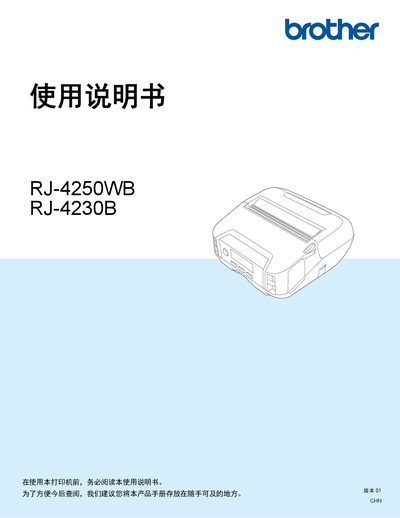
This manual covers everything needed to install and use the Brother RJ-4250WB and RJ-4230B label printers. It includes safety warnings, hardware setup, battery handling, label‑tape loading, and detailed instructions for connecting via USB, Bluetooth, Wi‑Fi and NFC.
The guide also explains how to use the P‑Touch software suite, adjust printer settings, perform routine maintenance, and resolve common issues such as network problems, battery charging errors, and printing errors. Technical specifications and part numbers are listed in the appendix. This manual is written in Chinese.
| Print technology | Direct thermal |
|---|---|
| Print resolution | 203 dpi x 203 dpi |
| Maximum print speed | 127 mm/s (media dependent) |
| Maximum print width | 104 mm |
| Maximum print length | 3000 mm |
| Dimensions (W×D×H) | 153 mm × 159 mm × 68 mm |
| Weight (including battery) | ≈ 850 g |
| Interface | USB 2.0 (mini‑B) |
| Bluetooth version | 4.2 |
| Battery voltage | 7.2 V (Li‑ion) |
| Maximum label capacity | 10,000 labels |
The printer can print up to 127 mm per second, depending on the media used.
The device can store up to 10,000 labels in its internal memory.