
The Brother HL-1208 and HL-1218W laser printers user manual provides setup, operation, maintenance and troubleshooting instructions.
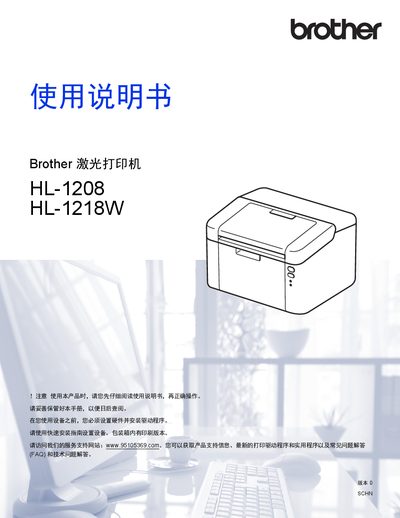
This manual covers everything you need to know to install and use the Brother HL-1208 and HL-1218W laser printers. It includes hardware setup, driver installation, printing options, paper handling, and wireless network configuration for the HL-1218W model.
Additional sections describe consumable replacement, power‑saving modes, error messages, and detailed specifications such as print speed, resolution, and power consumption. Contact information for Brother support and environmental disposal guidelines are also provided. This manual is written in Chinese.
| Print speed (single‑sided, A4) | 20 ppm |
|---|---|
| Maximum resolution | 600 × 600 dpi |
| Memory capacity | Standard 1 MB, up to 32 MB |
| Average power consumption | ≈ 1,056 W |
| Wireless LAN standard (HL‑1218W) | IEEE 802.11 b/g/n |
The standard toner cartridge yields approximately 1,500 pages (A4 or Letter).
Standby power consumption is about 40 W at 25 °C.
Supported wireless security protocols include WEP 64/128‑bit, WPA‑PSK (TKIP/AES) and WPA2‑PSK (AES).