
The Brother BH3-FB-FM7.0MFC-5440CN User Manual provides installation, operation, safety, and maintenance instructions for the multifunction center.
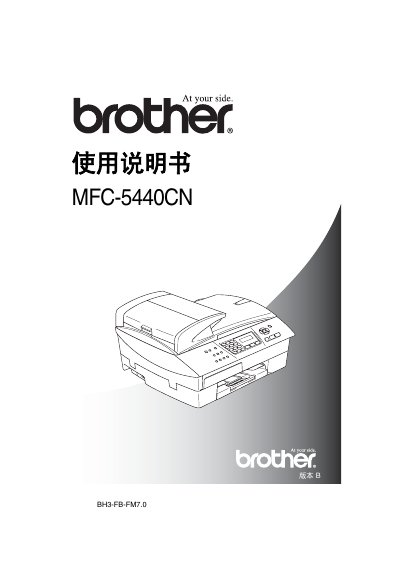
This manual covers the Brother BH3-FB-FM7.0MFC-5440CN multifunction center, an inkjet-based all‑in‑one device that prints, copies, scans, and faxes. It explains how to set up the unit, connect telephone lines, and configure basic functions.
Key sections include safety precautions, installation guidelines, detailed instructions for fax, copy, scan and print operations, menu programming, network settings, and maintenance procedures such as cleaning and troubleshooting.
| Memory capacity | 16 MB |
|---|---|
| Automatic Document Feeder capacity | Up to 35 pages |
| Operating temperature | 20 °C – 30 °C |
| Operating humidity | 50 % – 70 % |
| Paper weight | 80 g/m² |
| Paper tray capacity | 100 sheets (80 g/m²) |
| Power supply | 220‑240 V, 50/60 Hz |
| Standby power consumption | < 5 W |
| Weight | 8.2 kg |
| Noise level (operating) | 42.5 – 51 dB |
| Print technology | Inkjet printer |
The automatic document feeder can hold up to 35 pages.
The device should be used in an environment between 20 °C and 30 °C.