
The Amprobe 34XR‑A digital multimeter user manual provides safety guidelines, measurement procedures, and maintenance instructions.
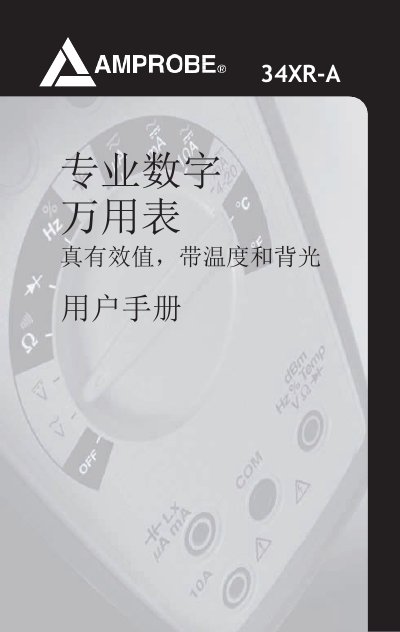
The manual begins with safety information, noting that the 34XR‑A is UL, cUL and EN61010‑1 certified and rated for CAT 600 V and CAT II 1000 V use. It outlines proper handling, test‑lead voltage limits, and precautions for explosive environments.
It then describes the instrument’s functions—DC/AC voltage, current, resistance, frequency, duty‑cycle, temperature, capacitance, diode, and continuity testing—along with features such as true‑RMS measurement, min/max recording, hold, backlight, and automatic power‑off. Detailed step‑by‑step measurement procedures, range selection, overload handling, and maintenance tasks like battery and fuse replacement are included. This manual is written in Chinese.
| Safety certifications | UL, cUL and EN61010‑1 |
|---|---|
| Maximum test‑lead voltage | 1000 V DC / 750 V AC rms |
It is certified to UL, cUL and EN61010‑1 standards.
Press the HOLD button after the reading stabilizes; the display will retain the measurement until the button is pressed again.
The voltage between test leads must not exceed 1000 V DC or 750 V AC rms.
Set the function switch to OFF, hold the MIN MAX button while rotating the switch to the desired function, and keep holding until the display stabilizes.