
This manual describes the features and characteristics of the LaCie mobile hard drive, including minimum system requirements, packaging contents, connection methods, usage methods, troubleshooting and contact customer support.
The LaCie USB 2.0 Mobile Hard Drive is a portable external storage device designed for Windows and Mac computers. It features a rugged aluminum case, USB 2.0 connectivity, and a power‑saving design.
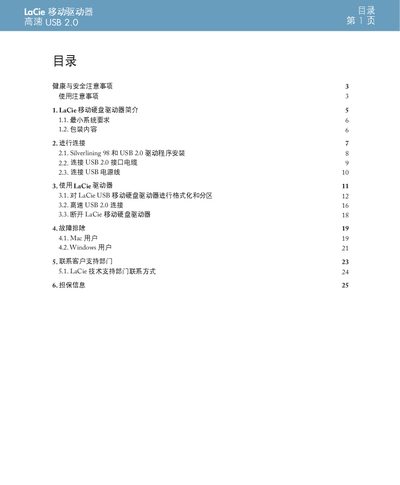
The guide covers safety precautions, system requirements, unpacking, connection steps, driver installation, formatting, high‑speed USB usage, disconnecting, troubleshooting for both Mac and Windows users, and contact information for technical support and warranty service. This manual is written in Chinese.
| Power Requirements | 100‑240 V~, 1.5 A, 60‑50 Hz |
|---|---|
| Operating Temperature | 5 °C to 35 °C (41 °F to 95 °F) |
| Relative Humidity | 5‑80 % non‑condensing |
| Altitude Rating | Up to 2000 m |
| USB Interface | Requires USB 2.0 port for high‑speed transfer |
Insert the LaCie Storage Utilities CD‑ROM into the computer’s CD/DVD drive, then run LaCie_USB_Driver_Install.exe to install the driver.
Check that both ends of the USB cable are firmly connected, disconnect and reconnect after a short wait, and restart the computer if needed.