
This is a LaCie mobile hard drive manual, which mainly introduces the connection, formatting, data transmission, etc. of the hard drive
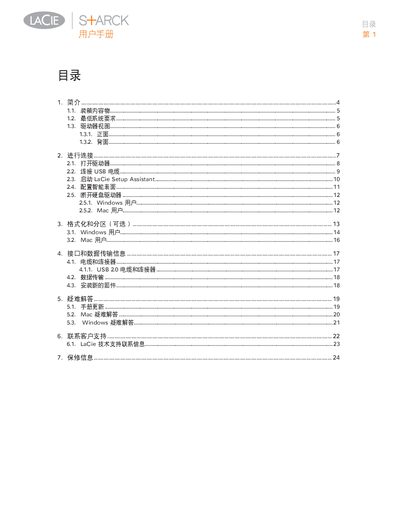
This manual explains how to unpack, connect, and configure the LaCie Starck external hard drive. It includes step‑by‑step instructions for powering the unit, attaching the USB 2.0 cable, launching the LaCie Setup Assistant, and using the Smart Surface shortcut button.
Safety guidelines, FCC/CE compliance notes, and warranty details are also covered. The document advises on proper grounding, temperature and humidity limits, and what to do if the device causes radio interference. This manual is written in Chinese.
| Power input | 100‑240 V~, 1.5 A, 50‑60 Hz |
|---|---|
| USB interface | Hi‑Speed USB 2.0 |
| Operating temperature | 5 °C – 35 °C |
| Relative humidity | 5 % – 80 % non‑condensing |
First connect the power adapter, then attach the USB cable, start the LaCie Setup Assistant, and configure the Smart Surface as described in steps 1‑4.
The device operates on 100‑240 V~, draws 1.5 A and works at 50‑60 Hz.
Adjust the receiving antenna, increase the distance between the device and the receiver, use separate power lines, or consult a qualified technician.