
LaCie Golden Disk is an external hard disk product. This document provides health and safety precautions, general usage guidelines, connection methods, formatting and partitioning instructions, interface and data transfer information, and troubleshooting for using this product.
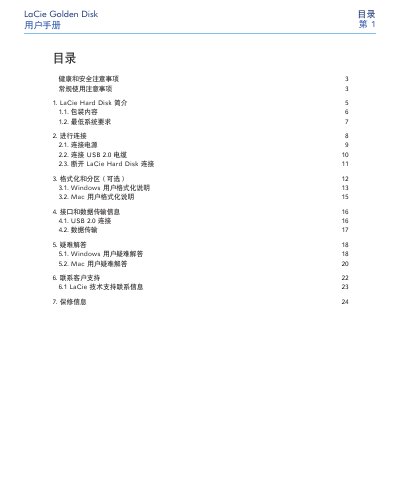
This manual introduces the LaCie Golden Disk external hard drive, outlines the contents of the package and lists the minimum system requirements for Windows and Mac computers. It then guides users through connecting the power adapter and the USB 2.0 cable, optional formatting and partitioning, and explains data transfer procedures.
The later sections cover troubleshooting common issues such as USB 2.0 speed problems, provide detailed contact information for technical support across many regions, and describe the warranty terms and conditions for the device. This manual is written in Chinese.
| Power Input | 100‑240 V~, 1.5 A, 50‑60 Hz |
|---|---|
| Operating Temperature | 5 °C – 35 °C |
| Interface | USB 2.0 |
Windows 2000, XP or Vista, a Pentium II 350 MHz processor or faster, at least 128 MB RAM, a USB port and an Internet connection.
Follow the Mac formatting instructions in section 3.2 of the manual.