
This manual introduces the features and characteristics of the LaCie Rugged Mini portable hard drive, including how to connect, format and partition the hard drive, and how to troubleshoot problems that may occur.
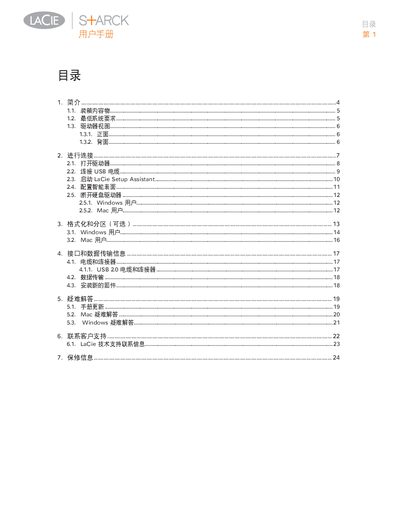
This manual guides users through unpacking, system requirements, and the physical layout of the LaCie Starck external hard drive. It explains the front and rear interfaces, including the power switch, USB 2.0 port and status LED.
Step‑by‑step instructions cover powering the drive, connecting the Hi‑Speed USB 2.0 cable, running the LaCie Setup Assistant, optional formatting and partitioning, and troubleshooting common Windows and Mac issues. Contact information for technical support and warranty details are also included. This manual is written in Chinese.
| Power Input | 100‑240 V~, 1.5 A, 50‑60 Hz |
|---|---|
| USB Interface | Hi‑Speed USB 2.0 |