
This manual introduces the basic knowledge of LaCie rikiki hard drive, including connection, formatting and partitioning.
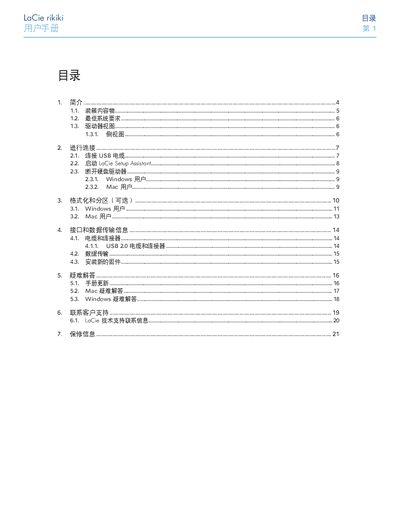
This manual explains how to connect the LaCie rikiki to a computer, run the LaCie Setup Assistant, and optionally format or partition the drive for Windows or Mac. It also describes the device’s USB 2.0 and mini‑USB 2.0 interfaces, firmware update procedure, and basic troubleshooting steps.
Safety guidelines cover temperature, humidity, moisture, and electromagnetic interference limits, while the warranty section outlines coverage, exclusions, and how to obtain support. Contact information for LaCie regional offices worldwide is provided at the end of the document. This manual is written in Chinese.