
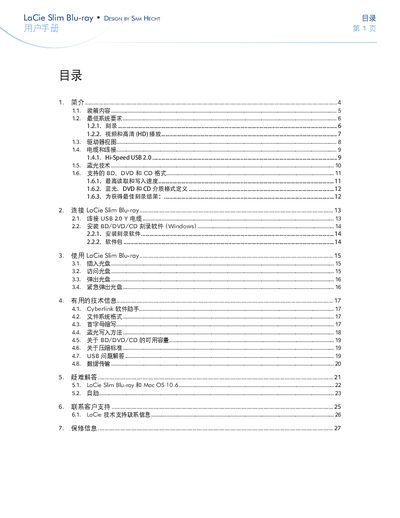
LaCie Slim Blu-ray user manual, introduces the features and characteristics of the product, such as packaging contents, minimum system requirements, drive view, cables and connections, Blu-ray technology, supported BD, DVD and CD formats, connecting LaCie Slim Blu-ray, using LaCie Slim Blu-ray, useful technical information, troubleshooting, contact customer support, warranty information, etc.
The LaCie Slim Blu-ray is a compact external Blu‑ray, DVD and CD writer designed for desktop and notebook computers. It supports up to 50 GB single‑layer Blu‑ray discs and offers USB 2.0 high‑speed connectivity.
The manual provides detailed instructions on unpacking, system requirements, cable connections, software installation, disc handling, technical specifications, troubleshooting steps and how to contact LaCie support or obtain warranty service. This manual is written in Chinese.
| Maximum writable Blu‑ray capacity | 50 GB |
|---|---|
| USB interface | Hi‑Speed USB 2.0 |
| Minimum CPU for BD burning | Pentium 4 2.2 GHz or AMD Athlon XP 2200+ |
| Minimum RAM for BD burning | 128 MB SDRAM |