
This manual describes how to use the watch, including how to charge the watch, set the digital time and date, and change the language of the week
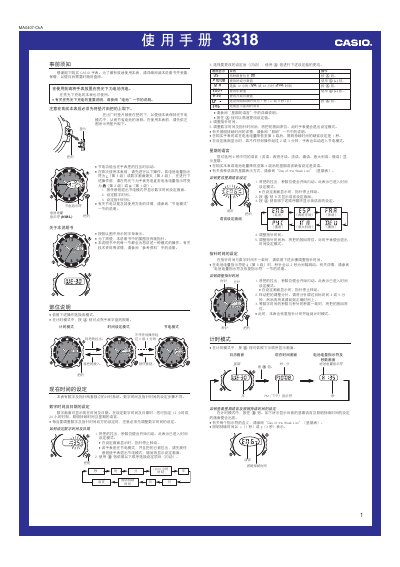
The Casio 3318 is a solar-powered watch featuring dual independent timekeeping systems for digital and analog displays. It includes an automatic lighting function that activates when the wrist is turned toward the user, provided the ambient light is below a certain threshold.
The watch utilizes a solar cell and a rechargeable battery (ML2015). It includes a power saving mode to conserve energy during long periods of inactivity and provides battery level indicators to notify the user when charging is required. This manual is written in Chinese.
| Battery Type | ML2015 |
|---|---|
| Lighting Duration Options | 1 second or 3 seconds |
| Language Options | English, Spanish, French, German, Italian, Russian |
In timekeeping mode, hold the button for approximately 2 seconds to enable or disable the automatic lighting function.
Place the watch surface facing a light source. Avoid covering the solar battery with clothing, as this reduces charging efficiency.
The rechargeable battery can only be replaced with a Casio specified ML2015 model battery.
In the timekeeping mode, hold down the button for approximately 2 seconds.